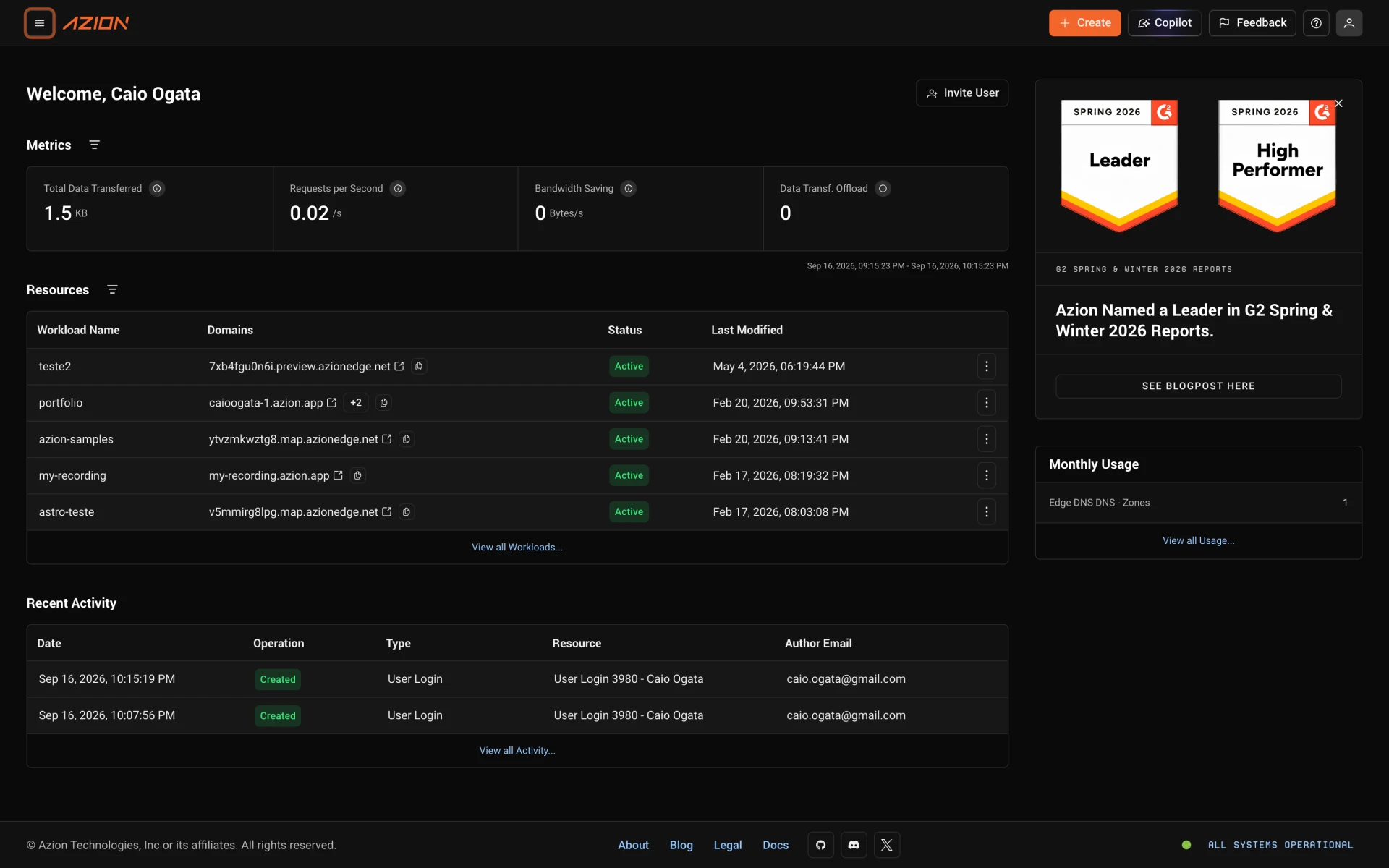
A full front-end rebuild of the console engineers at Itaú, Magazine Luiza and iFood use every day to deploy, secure and watch their applications.
Azion Console Kit
Project
The screen engineers use to deploy and watch their applications, rebuilt from scratch on an architecture that separates how a screen looks from what it does.
Challenge
Every change in the console cost weeks, so the interface kept losing priority and each area of the product drifted into its own patterns. Someone who wanted to try the platform hit enough breaks to give up and wait for a salesperson.
Solution
A rebuild with patterns settled once and reused, so screens are assembled instead of hand-built. The flows people knew stayed where they were, and the effort went into the first hour, so a new user gets an application running without help.
In the old console you had to go back to the menu, create the missing configuration, find the way back. Now the missing piece opens where you are.
3x
Faster to set up an application
235%
More new users becoming active
4h
For a new screen to reach preview
34+
Contributors, Azion team and clients
Improvements that took days now take hours, and a screen can be proposed, built and tested in the same week.
Create in place
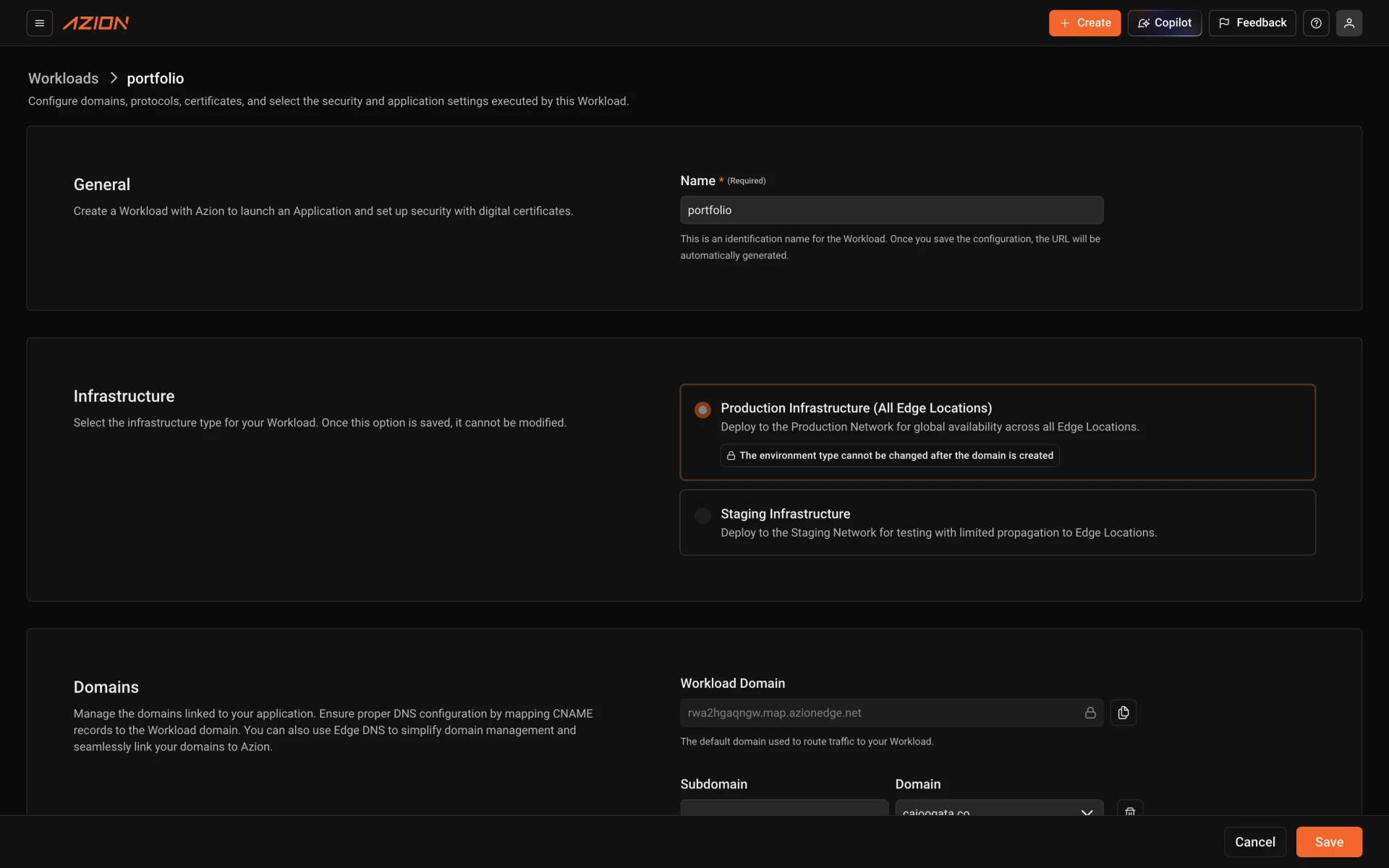
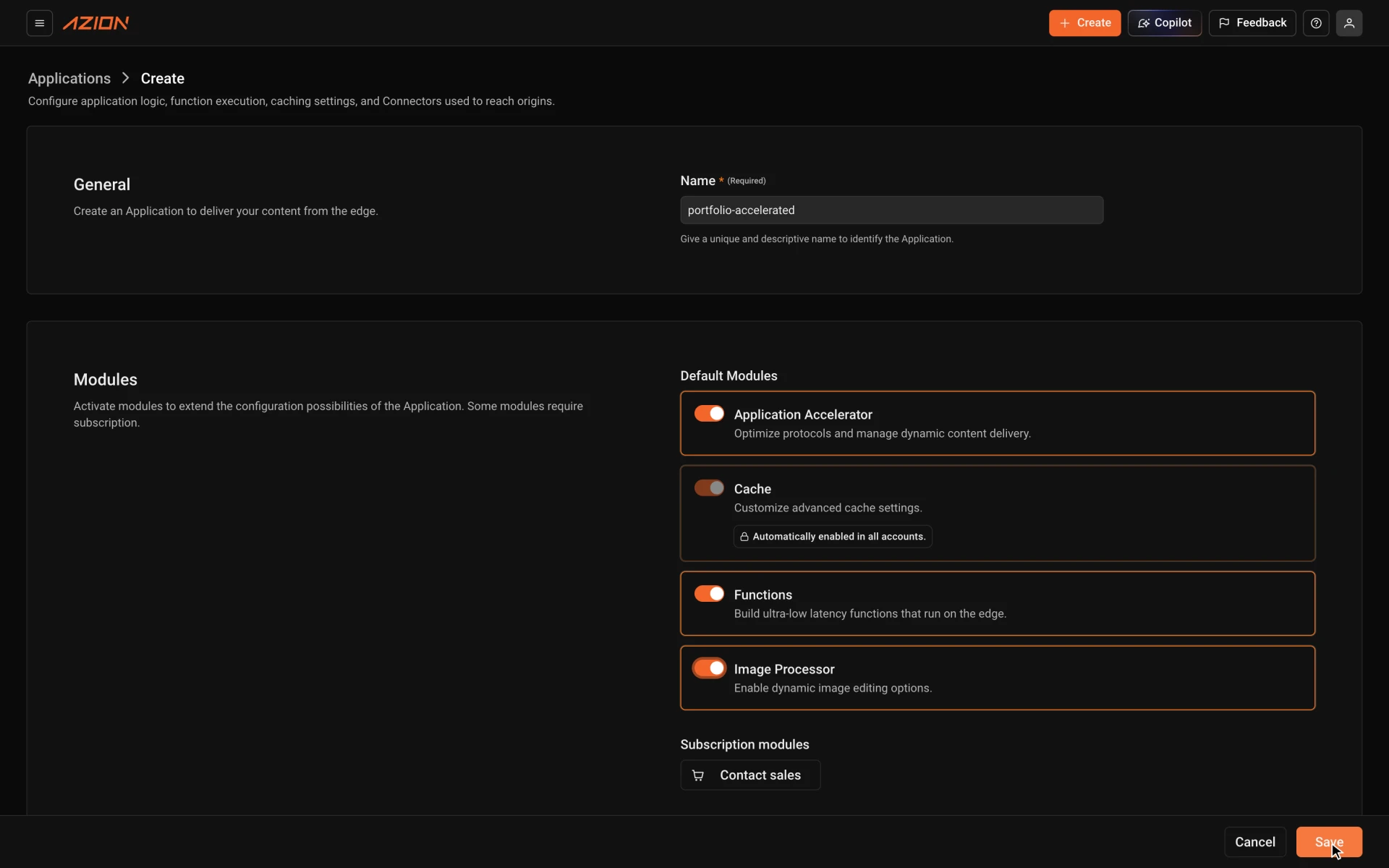
A missing Firewall is created in a side drawer, inside the workload that needs it. The journey never leaves the screen it started on.
One pattern, every product
Description on the left, controls on the right. Create, edit and delete behave the same across Applications, Firewall and every other product.
Navigation by category
Products grouped by what they do: Build, Secure, Store, Deploy and Observe.
Light and dark
Every screen in both themes, switched from the account menu.
Azion Copilot
An AI assistant inside the console answers how to build, secure and deploy, without leaving the page.
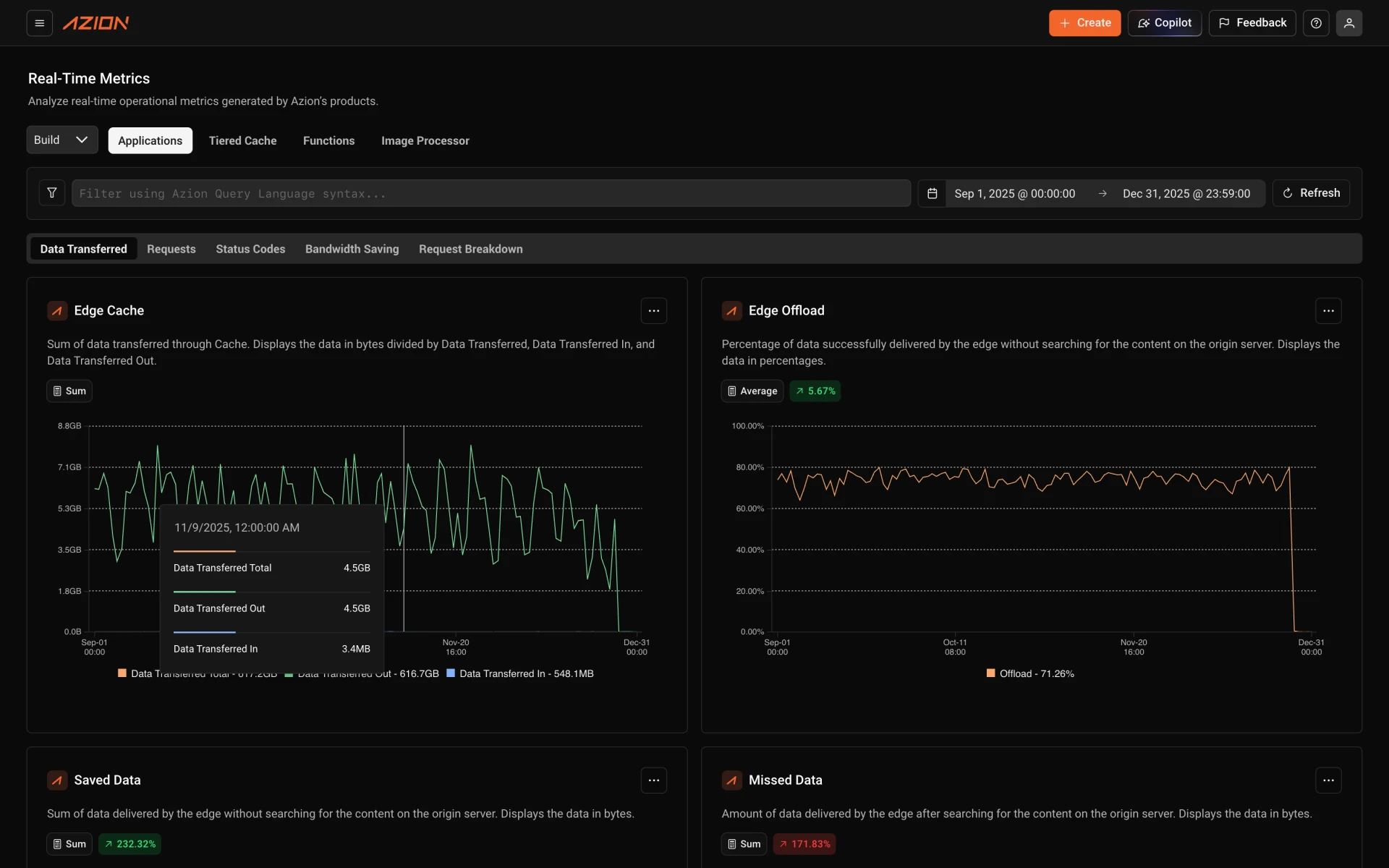
Real-Time Metrics
Charts per product, with filters and the detail behind every point.
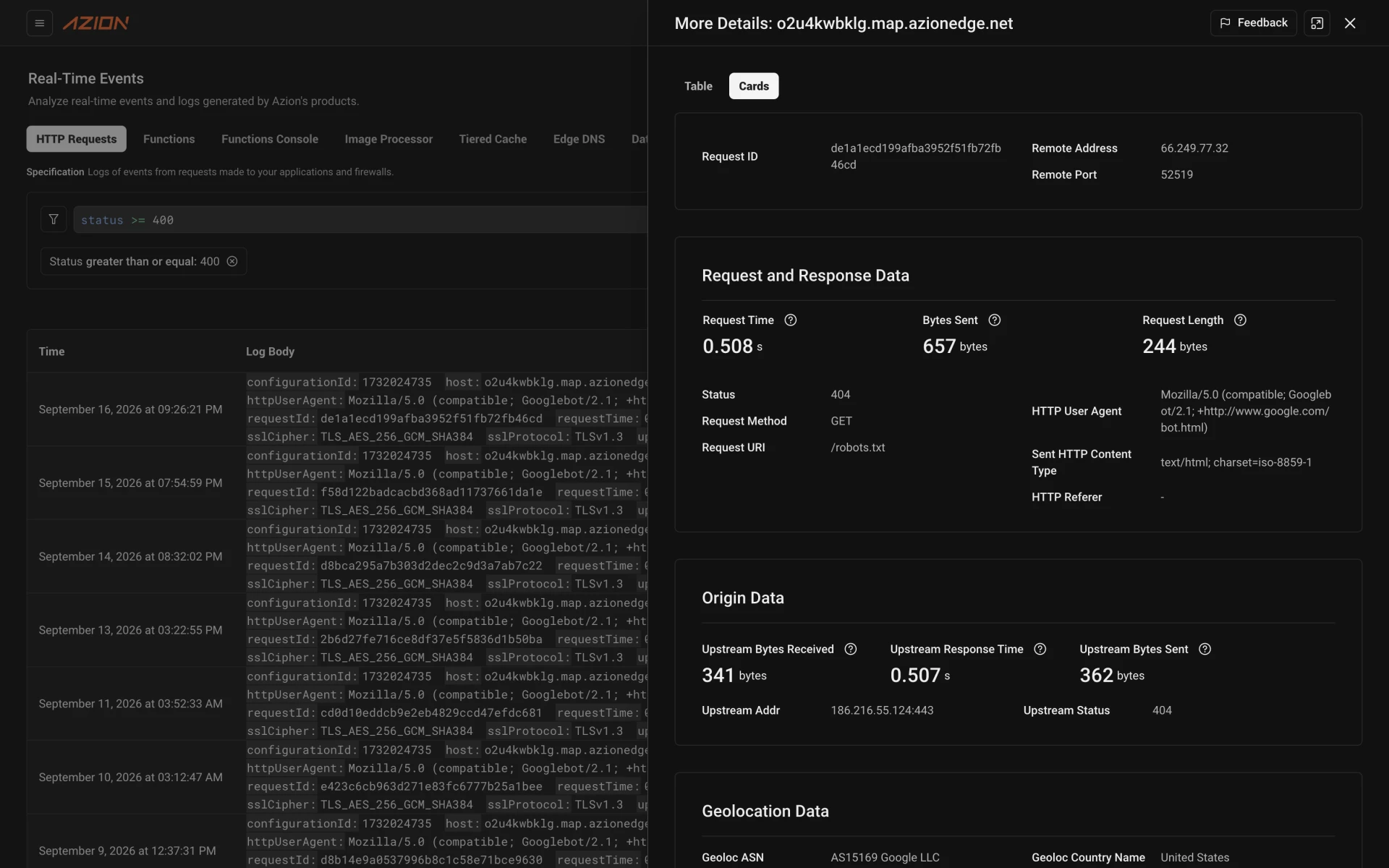
Real-Time Events
Raw request and security logs, filtered as you type, to inspect an attack or debug a request.
Create and deploy
One Create menu holds every way to start: recommendations, ready-made templates, your own app imported from GitHub, and Azion presets already configured. Pick one and it deploys with the build log on screen, so a new user sees a first application live before configuring anything.
Project
Client & Role
Year
Technologies
Credits